Introduction to Jump Task Play store Earning App
Are you searching for a simple task-based rewards application where you can explore small online activities and collect rewards? Jump Task Earning App is a platform that introduces users to different types of tasks, including games, surveys, social media activities, and other online assignments. Its main idea is to provide users with a variety of activities so they can choose tasks according to their interests and available time.Jump Task Earning App – Complete Review, Easy Tasks, Rewards and Withdrawal Guide
Jump Task presents itself as an easy-to-use rewards platform for people who want to explore online tasks through their mobile phones. According to the information displayed on its introductory screen, the application offers more than 3,500 tasks to earn rewards. However, the availability of tasks, reward amounts, and payment conditions can change, so users should always check the latest details inside the app.
What Is Jump Task Earning App?
Jump Task is a task-based rewards application that introduces users to different online activities. Instead of following only one earning method, users may find different categories of tasks in one place. These can include playing selected games, completing surveys, interacting with social media content, and participating in other available activities.
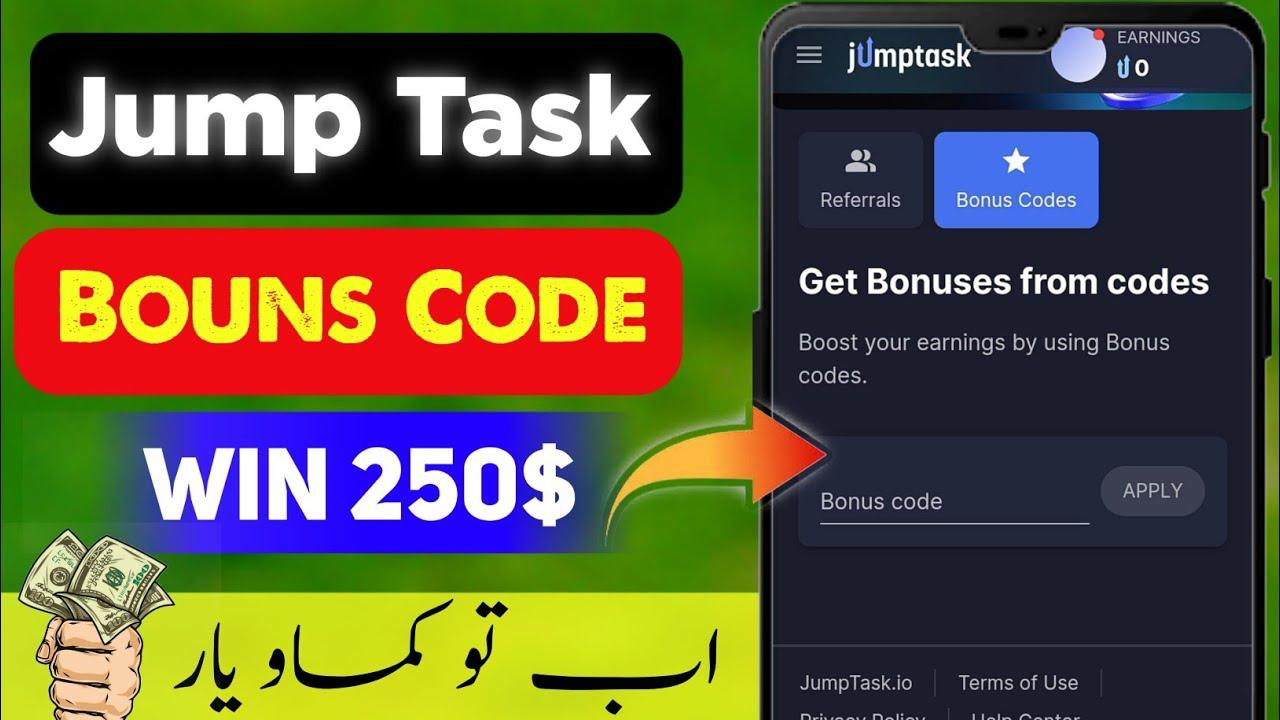
The application is designed around a simple concept: users explore the available tasks, read the instructions, complete eligible activities, and check whether the relevant reward has been credited. The amount of time and effort required can vary from one task to another. Not every task will necessarily be available to every user, and rewards are not guaranteed.
How to Download and Install Jump Task App
The first step is to find the Jump Task application through a trusted source. If the app is available on the Google Play Store in your region, open its official listing and review the developer information, app permissions, user reviews, and latest updates before installing it.
After installation, open the application on your mobile phone. Make sure you have a stable internet connection because the app may need to load its welcome screens, task categories, and account options. Avoid downloading unknown APK files or providing account details on unofficial websites.
First Screen: 3,500+ Tasks to Earn Money
When users open Jump Task for the first time, the introductory screen displays the message “3,500+ Tasks to Earn Money.” It also includes the text “Complete easy tasks and earn money fast. Your first reward is just 8 seconds away.” A Continue button appears at the bottom of the screen.
This opening page introduces the main idea of the application and encourages new users to explore its task-based system. The message about the first reward is promotional wording displayed by the app; it should not be understood as a guarantee that every new user will receive money within eight seconds.
Second Screen: Find a Perfect Task for You
After pressing Continue, users reach the next introductory page. This screen displays the heading “Find a Perfect Task for You” along with the description “Pick tasks you enjoy: games, surveys, social media and more. Earn the way you like.” Another Continue button is provided to move forward.
This page highlights the variety of activities available through the platform. Some users may prefer game-related tasks, while others may be more interested in surveys or social media activities. The purpose of this screen is to explain that users can explore different categories rather than depending on only one type of task.
Third Screen: Claim Your Daily Reward
The third introductory page focuses on daily rewards. It displays the heading “Claim Your Daily Reward” and the message “Grab your bonus daily and grow your reward. The more you return, the more you earn.” Users can press Continue to proceed to the next stage.
Daily reward features are commonly used by task and rewards platforms to encourage regular activity. If Jump Task offers a daily bonus in your account, check its conditions carefully, including whether you need to complete a particular activity before claiming it. The availability and value of any bonus may depend on the app’s current rules.
Jump Task Sign-In and Account Creation
After completing the introductory screens, users reach the sign-in page. The screen introduces the application with the words “Simple Task, Real Rewards, Make Money.” It provides account access options, including Continue with Google and Continue with Facebook.
For users who prefer Google sign-in, the Continue with Google option may provide a convenient way to create or access an account. Select the option and follow the official Google authentication process. Use an account that you are authorized to access, review the requested permissions, and avoid sharing your password or verification codes with anyone.
Explore Different Tasks Inside Jump Task
Once the account setup is complete, users can explore the available sections of the application. The task dashboard is where users can look for activities and review the instructions associated with each offer. Depending on availability, categories may include games, surveys, social media tasks, and other small online activities.
Before starting any task, read its full description. Some activities may require reaching a particular level in a game, answering survey questions, or completing a specific action. Other tasks may have time limits or eligibility conditions. Completing an activity without following all instructions may mean that the reward is not approved.
How to Complete Tasks and Collect Rewards
The basic process of using a task-based rewards app is straightforward. Open the task section, select an activity that appears suitable, and read the requirements carefully. If you decide to participate, follow the instructions provided by the application and check your account afterward to see whether the task status has changed.
It is important to understand that task completion and reward approval may be separate steps. Some platforms review submitted activities before crediting rewards. If a reward does not appear immediately, check the task history and any available support information rather than repeatedly submitting the same activity.
Minimum Withdrawal and Payment Options
According to the withdrawal information described for Jump Task, the minimum withdrawal amount is presented as $1. The application may also display different payment methods, including cryptocurrency and other available options. The payment methods shown to an individual user may depend on their country, account status, and the platform’s current payment arrangements.
Before requesting a withdrawal, open the payment section and read the minimum balance, supported payment methods, processing time, and any applicable fees. Cryptocurrency payments can involve network charges and changing exchange values. A displayed withdrawal option does not automatically prove that a payment will be processed successfully, so check the latest terms and payment history.
Important Things to Check Before Using Jump Task
Although task-based applications may look simple, users should take a few precautions before spending time on them. Review the app developer’s details, privacy policy, permissions, and available support channels. Do not pay registration fees or deposits simply because someone claims that doing so will unlock better rewards.
Also remember that online rewards are not a guaranteed source of income. The number of available tasks can change, and some activities may not be available in every country. Never share sensitive personal information, banking passwords, or account verification codes with unknown people. Follow the platform’s age requirements and payment rules before creating an account or using any withdrawal feature.
Advantages of Jump Task Earning App
One potential advantage of Jump Task is that it brings different task categories together in one application. Users can explore games, surveys, and social media activities without needing to search for every opportunity separately. Its introductory screens also provide a simple explanation of how the platform is intended to work.
Another useful feature is the option to review different activities and choose according to personal interest. However, the actual usefulness of the platform depends on task availability, reward conditions, user eligibility, and successful reward approval. It is better to evaluate the app through its current terms and genuine user experiences rather than relying only on promotional messages.
Is Jump Task Earning App Worth Trying?
Jump Task may be worth exploring as a task-based rewards platform if it is officially available in your region and its terms are suitable for you. The app describes a system involving thousands of tasks, multiple activity categories, and different reward options. These features may appeal to people who want to understand how online task platforms operate.
Nevertheless, do not assume that every advertised task will provide a reward or that the minimum withdrawal will always be available under the same conditions. Start by reviewing the app's official information, understand its privacy and payment policies, and avoid spending money to access tasks. Your experience may differ depending on your location and account eligibility.
Frequently Asked Questions (FAQs)
Q1. What is Jump Task Earning App?
Jump Task is a task-based rewards application that presents activities such as games, surveys, social media tasks, and other online assignments.
- Q2. How many tasks does Jump Task display?
Its introductory screen displays the promotional message “3,500+ Tasks to Earn Money.” The number of tasks actually available may vary.
Q3. How can I create an account on Jump Task?
The sign-in page displays options such as Continue with Google and Continue with Facebook. Follow the official sign-in process and review the permissions before proceeding.
- Q4. What is the minimum withdrawal amount?
The withdrawal information described for the app indicates a $1 minimum. Always confirm the current requirement inside your own account before relying on it.
Q5. Does Jump Task support cryptocurrency withdrawals?
Cryptocurrency is among the payment options described for the application. Check the supported currencies, network fees, and payment conditions in the app.
- Q6. Can everyone earn money from Jump Task?
No fixed earning amount can be guaranteed. Task availability, eligibility, reward approval, and payment conditions can vary between users.
Final Words
Jump Task Earning App introduces a task-based rewards concept with activities such as games, surveys, social media tasks, and other online assignments. Its welcome screens highlight more than 3,500 tasks, daily rewards, and a simple account setup process. The application also describes a withdrawal option with a minimum amount of $1 and different payment methods, including cryptocurrency.
If you are interested in exploring Jump Task, first check its official availability, account requirements, task instructions, and withdrawal conditions. Keep your personal information secure and remember that promotional earning claims are not guaranteed payments. A careful review of the platform is the best way to understand whether its features and conditions are suitable for you.